
Welcome to the new Coast to Coast experience
We’ve upgraded the platform. Create your account and learn what’s new.
Featured parks and resorts
1
Coast to Coast members can make RV site reservations at network resorts 24/7 with our exclusive online reservation system, available when you sign in at CoastResorts.com.
2
Find network resorts across the U.S., Canada and Mexico or Good Neighbor Parks where you can make RV site reservations by reviewing the resort listings in the online directory or in the Coast Annual Resort Directory.
3
With just a few clicks, select the network resort where you want to make an RV site reservation, select options, enter payment details and reserve online an RV site. For Good Neighbor Parks, you’ll see contact details to book with the park directly.
4
After you book at a network resort, you will receive your reservation details via email. Then get ready to enjoy your stay at a well-maintained RV resort where you can expect a warm welcome.
Still have questions?
Check out our F.A.Q.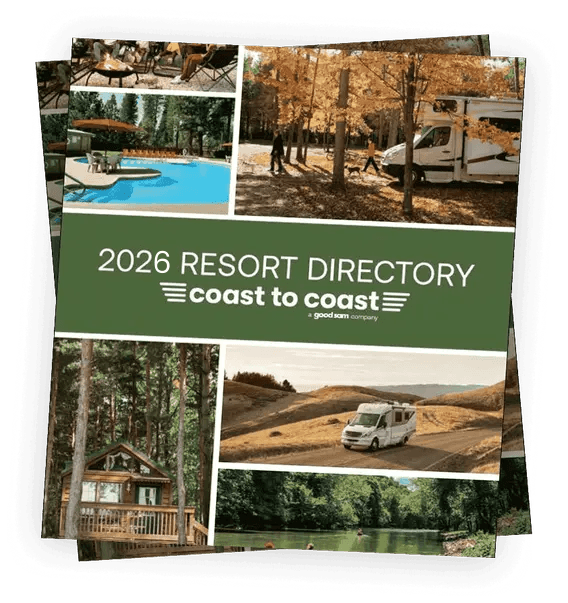
New Digital Coast to Coast 2026 Resort Directory
The new Digital Coast to Coast 2026 Resort Directory features everything you need to know about the Coast to Coast network to make the most of your membership! To view the online digital edition of the 2026 Resort Directory, simply click View online. Click Download PDF to download or save a PDF to read on the go.
Need help or training?
Find step-by-step guides to search, book, and manage your Coast to Coast trips.